Compare
Choosing a practice management system is a big switch, and you should pick the one that fits your firm. Here’s an honest, side-by-side look at Clasp and Smokeball — how each one runs, what it costs, and which firm it’s built for.
Runs everywhere, installs nowhere.
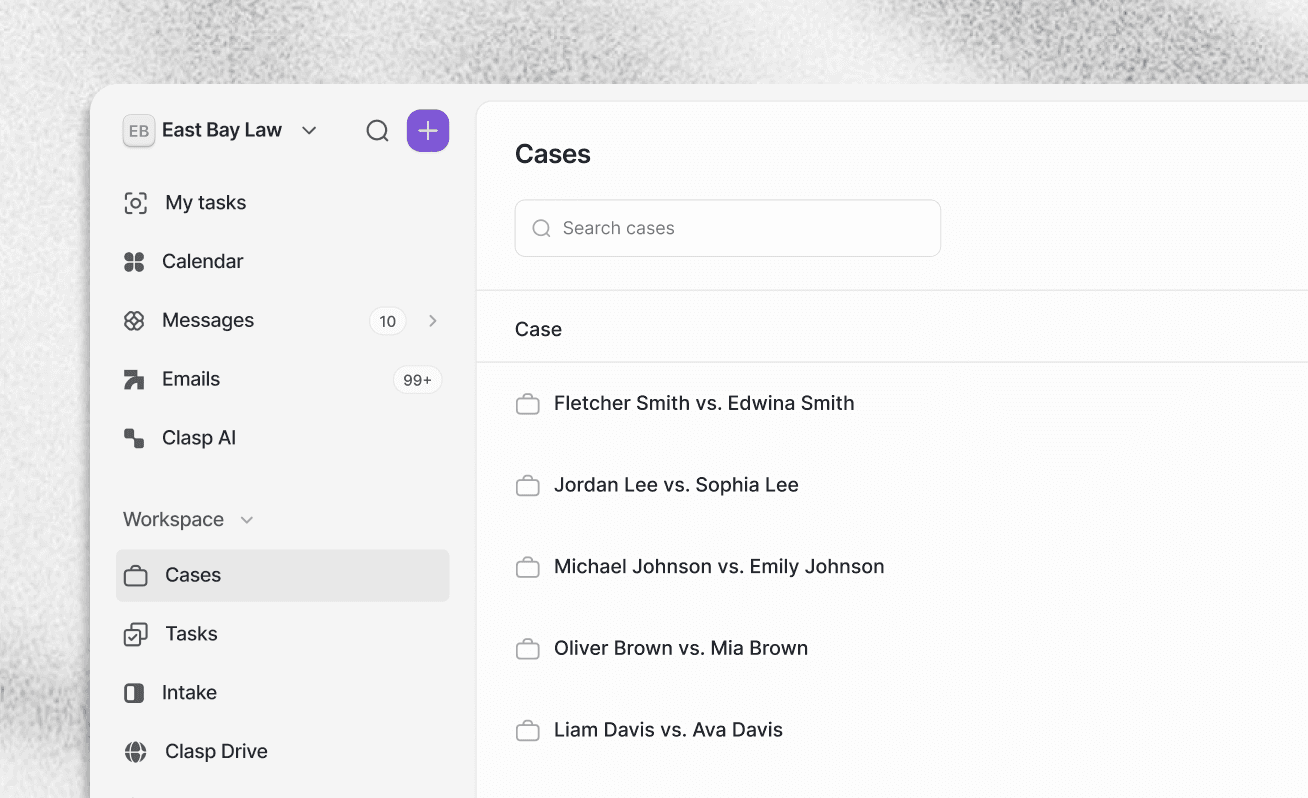
Clasp is fully browser-based — Mac, Windows, tablet, or phone, always up to date. Smokeball’s full power lives in a Windows desktop app, and Apple-Silicon Macs can’t really run it.
AI built in, not a separate subscription.
Clasp’s AI is included and grounded in your case context. Smokeball’s AI assistant (Archie) is an add-on available only on its higher tiers.
A price you can see, no contract required to start.
Clasp is $84/user/mo, published, everything included. Smokeball’s advanced tiers are custom-quoted and locked to a 12-month contract.
If you’re weighing Smokeball, start here. Smokeball is a capable platform with genuine strengths — automatic time tracking, deep document automation, and tight Microsoft Word integration. But it was built around a Windows desktop application, which means Mac firms are stuck with virtualization (and newer Apple-Silicon Macs are essentially out), its AI is a gated add-on, and its advanced tiers come as custom quotes on annual contracts. Clasp takes a modern, cloud-native approach: it runs in any browser on any device, includes AI in the plan, and publishes one transparent price. If you want power that works wherever your team does, that’s the firm Clasp is built for.


Smokeball’s entry price looks modest, but the tools most firms want live in custom-quoted upper tiers on an annual contract — and if you run Macs, you’ll pay to run Windows on top. With Clasp, it’s one published price, any device, AI included.
$84
/ user / month
Listed publicly. Runs in any browser on any device. Everything below is included. No custom quote, no required annual contract to start.
Client intake & workflows
Case management
Documents & unlimited storage
Email & secure messaging
Billing & invoicing
Online payments
E-signatures
Time tracking
Trust accounting
Clasp AI
Microsoft 365 editing
Your total: $84 / user / month — Mac, Windows, or phone.
The price is the price.
Smokeball — the tier you want, the contract you sign, the Windows you buy
Illustrative build-up for a firm that wants document automation, intake, and AI (Smokeball publishes limited rates; upper tiers are custom-quoted, per user / month):
Smokeball (entry tier)
The advertised starting point
~$29–89
Upgrade to Grow / Prosper+
Unlock advanced document automation, intake & lead management
~$119–169
Archie AI add-on
Add AI — available only on Grow / Prosper+
Add-on
12-month contract
Required annual commitment
Locked in
Real-world all-in
Illustrative only. Smokeball publishes limited pricing and quotes advanced tiers custom; ranges are from public third-party analyses as of June 2026 and vary by quote, tier, add-ons, and contract. AI (Archie) is an add-on on Grow/Prosper+ tiers. Mac firms require Windows virtualization or hardware to run the full desktop app.
Here’s what changes when your whole firm runs in one place instead of a stack of connected tools.
What are the main differences between Smokeball and Clasp?
Can I use Smokeball on a Mac?
Why do firms choose Clasp over Smokeball?
Is Smokeball a good platform?
How does AI compare in Clasp vs. Smokeball?
How does Microsoft integration compare?
How does pricing compare between Clasp and Smokeball?
Is Clasp a good fit for solo and small firms?
How hard is it to switch from Smokeball to Clasp?
Is Clasp or Smokeball the better choice?